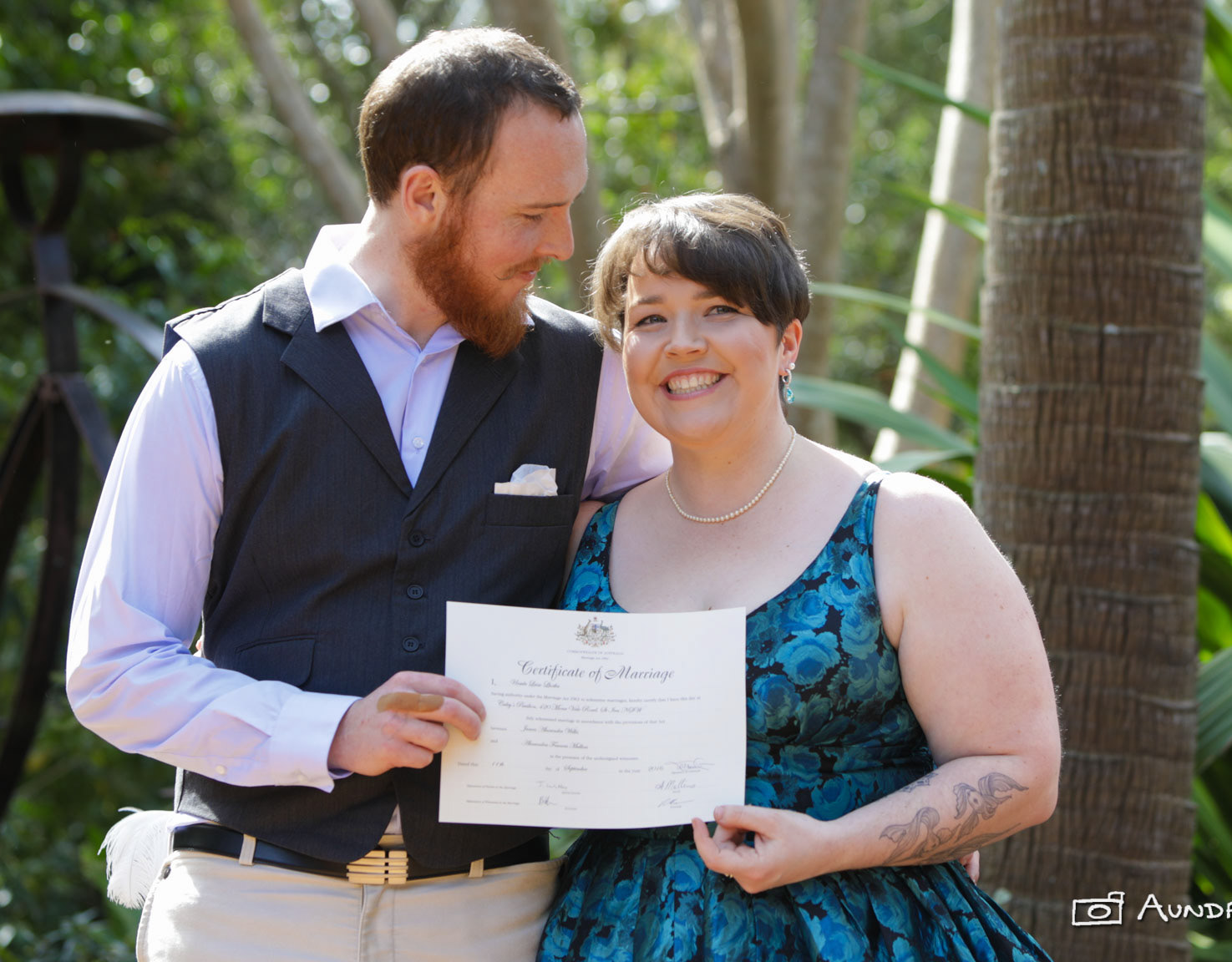
I was homebound for most of the Christmas/New Year holidays, which presented me with time and opportunity to play with Photoshop (as well as Illustrator). One of the photos I decided to play with was a photo I took at a wedding (where I was a guest) in mid November. Here's the original below:
BEFORE: The original, unadjusted image
And here's the image after some post in Photoshop:
AFTER: The final image
The steps I undertook in Photoshop:
- Cropped to just the bride and groom.
- Made white balance and exposure adjustments to the image layer.
- I duplicated the image layer; and named the topmost layer "Bride & Groom" and the underlying layer "Background".
- I selected the "Background" layer and underexposed it to taste.
- I selected the "Bride and Groom" and applied a layer mask to just the couple. This step was by far the most manually intensive.
- Finally, I applied a slight blur to the "Background" layer.